![image004.png]](https://kb.rgnmed.com/hs-fs/hubfs/image004.png?width=150&height=47&name=image004.png)
- Click Settings at the top right of the Report Builder.

2. Click  next to the Report name
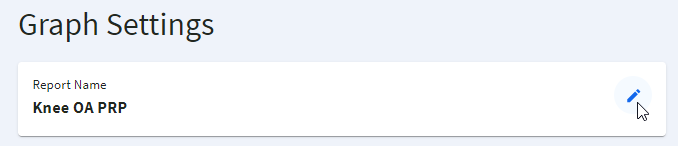
3. Apply the required changes and click SAVE (or click CANCEL to cancel the renaming)
-gif.gif)
2. Click next to the Report name
3. Apply the required changes and click SAVE (or click CANCEL to cancel the renaming)